

BAP33 is a professional software solution from Juntunen Bridge Systems that helps bridge owners, engineers, and contractors plan, coordinate, and document complex bridge work from concept through closeout. Built on JBS’s field-proven methods, BAP33 centralizes project data, schedules, and calculations in one secure workspace, improving accuracy, transparency, and traceability across teams.
With intuitive tools for scenario planning, constructability review, and logistics coordination, users can evaluate options, anticipate constraints, and generate clear, auditable deliverables. Flexible templates and configurable workflows adapt to agency standards and firm practices, while role-based access keeps everyone aligned and accountable.
Interoperability with common data formats streamlines exchange with design, survey, and reporting tools. Dashboards highlight milestones, risks, and approvals so decisions happen faster and with greater confidence.
Backed by Juntunen Bridge Systems’ hands-on expertise and responsive support, BAP33 brings discipline, speed, and consistency to bridge projects—reducing rework, mitigating risk, and helping teams deliver safer, on-schedule outcomes.
BAP (Beam Analysis Program). BAP is a continuous beam analysis program that solves for reactions, shear, moment, deflection, and rotation at points along the length of the beam.
BAP offers the following enhancements:
- MOVING LOAD GENERATOR. BAP
solves for a series of truck loads. Up to 30 different trucks can be run over the beam. BAP will solve for lower bound and upper bound values for reactions, shear, moment, deflection, and rotation, and tell which truck produces the controlling value. The truck series can be saved for use in future problems.
- A new matrix solver for faster and improved performance.
- Results can be saved in a coma-delineated file, which can be called into a spread sheet program such as Microsoft Excel.
- Loading can be entered in pounds or kips, Newtons or Kilonewtons.
- The beam can have changes in cross section along its length as well as internal hinges.
- Point loads and distributed loads can be applied to the beam.
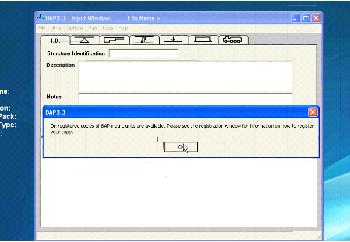
- Input is in the easy-to-use Windows environment.
- The beam's profile with applied loads is shown to aid input verification.



Comments